

How do I restore an earlier version of my project?
To restore an earlier version of a project, open Version history to find the version you want, then ask your connected AI agent to restore it, or use the API. Restoring replaces the current design and saves the result as a new version, so the version you replaced stays in the history. The Version History window itself does not have a Restore button.
How to see your saved versions
AppScreens keeps saved versions of each project. You can view them in two places:
On the Projects page, click the ⋯ menu on the project card and choose Version history.
In the designer, click the History button next to Undo and Redo in the top bar. Saved versions are listed below the undo history.
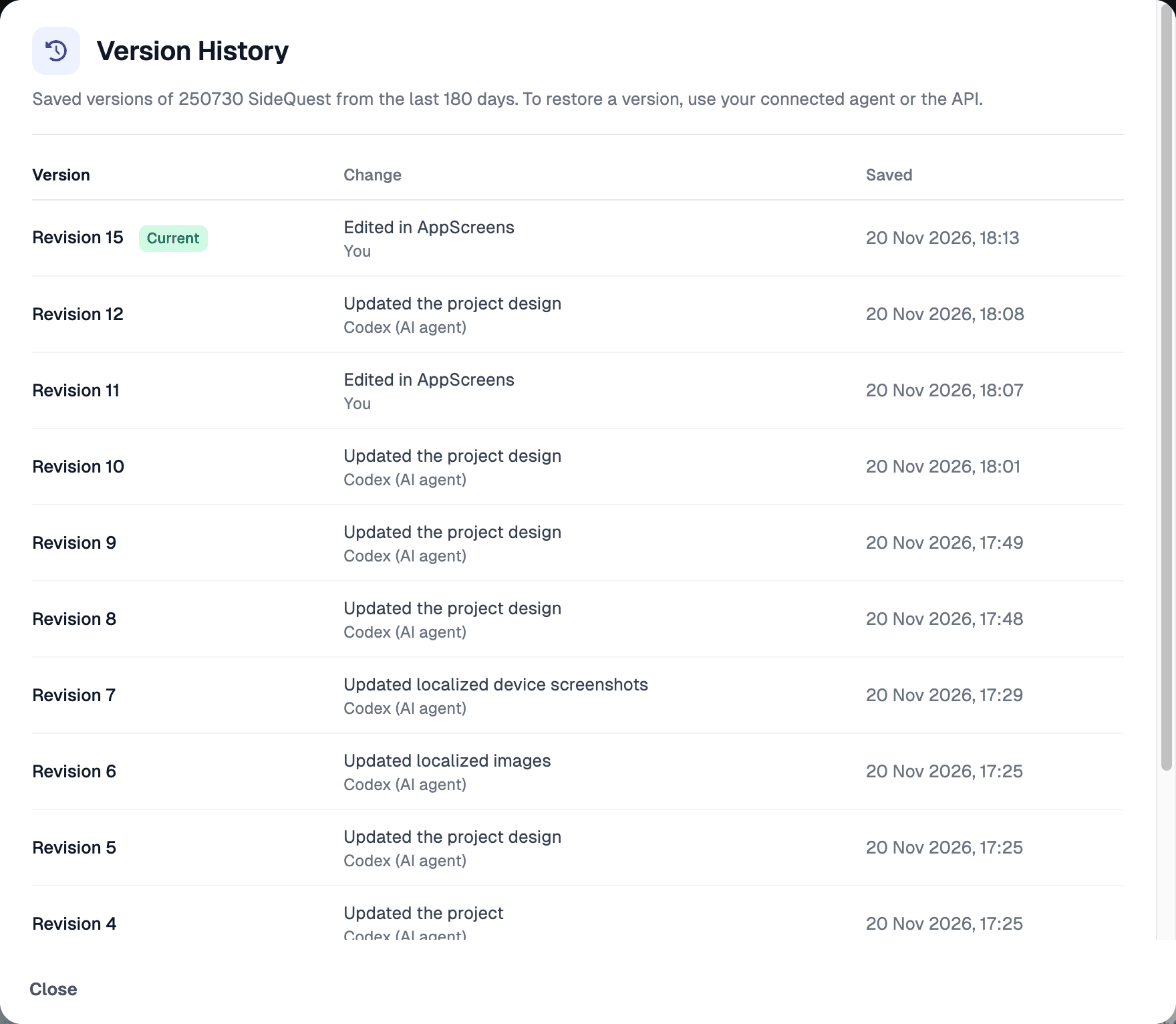
The Version History window lists each Version (revision number), the Change made and who made it, such as you or an AI agent, and when it was Saved. The newest version is marked Current. How far back you can go depends on your plan.
How do I restore a version with an AI agent?
Connect your agent (see Can I create screenshots with an AI agent?), then ask it, for example "Restore my Kova project to revision 12." Your agent checks the saved versions, explains what will be overwritten and asks for your approval before it restores. The restored design is saved as a new revision.
Can I restore a version with the API?
Yes. The API can list a project’s saved versions and restore one. See Do you have an API?.
I only want to undo a recent change
For changes you made in this session, click Undo in the top bar or press ⌘ + Z. See How do I undo or redo changes?