

How to transfer a project to a different account
To move a project to another AppScreens account, open it while signed in to the current account, log out, sign in to the other account and save the project. The project is saved into the new account as well, and the original stays in the old one.
How to transfer a project
Open the project in the designer.
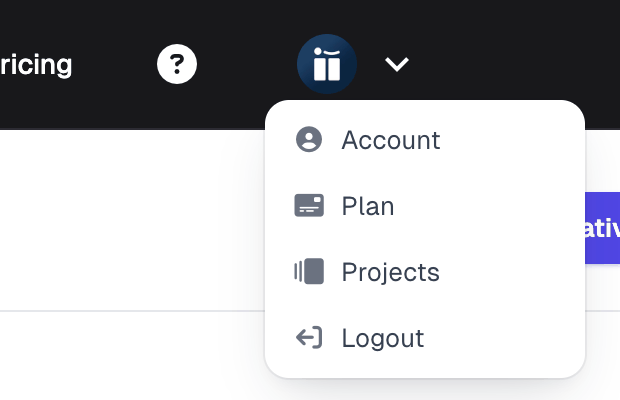
In the top right, open the account menu and click Logout.
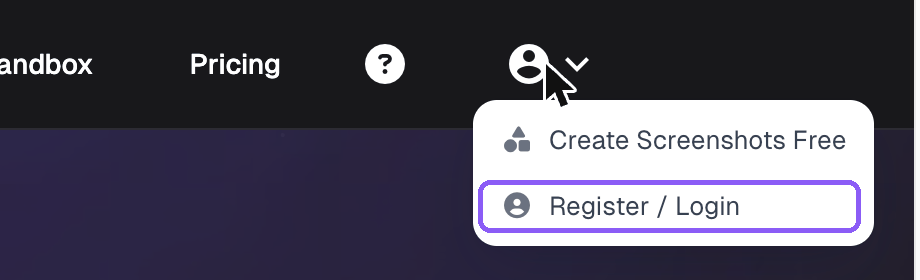
Open the account menu again, select Register / Login and sign in to the other account.
Save the project with the save chip next to the project name in the top bar, which shows Saved or Unsaved.
If your team only need to view the screenshots and not edit, use Public share from the ⋯ menu on the project card on the Projects page.