

How to clone / duplicate a project
Click Projects in the top navigation menu
Find the project that you'd like to duplicate.
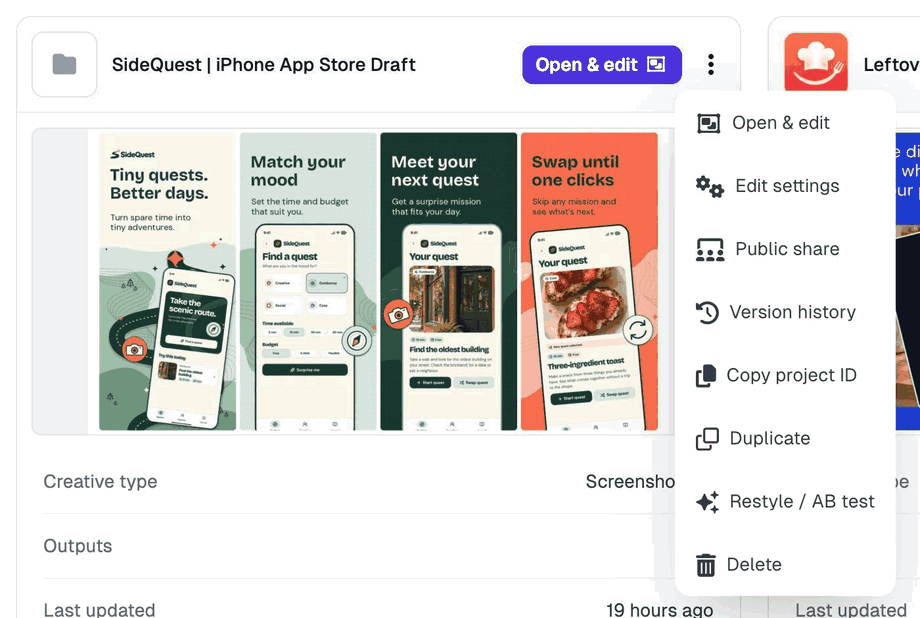
Click on the ⋮ menu on the project, then click on Duplicate
Complete the project setup and hit Create
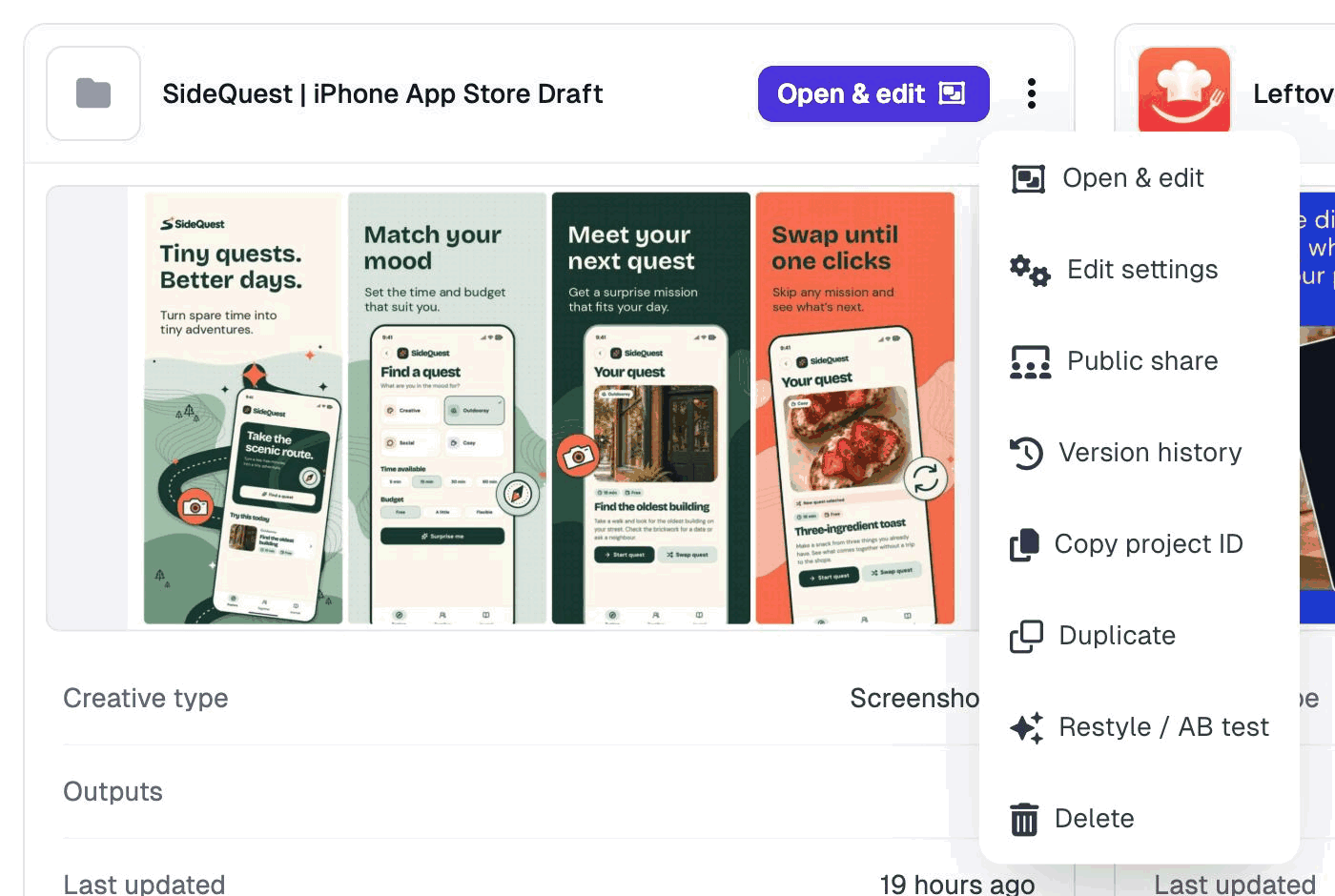
If you want a variant to A/B test, such as a new first headline or a different style, choose Restyle / AB test instead. See How do I restyle my project?
Using an AI agent? Ask it to duplicate the project. It copies the screenshots and translations, gives the copy its own name and leaves the original unchanged.