
How do I delete a project?
Delete a project
To delete a project in AppScreens:
Go to the Projects page.
Find the project you want to delete.
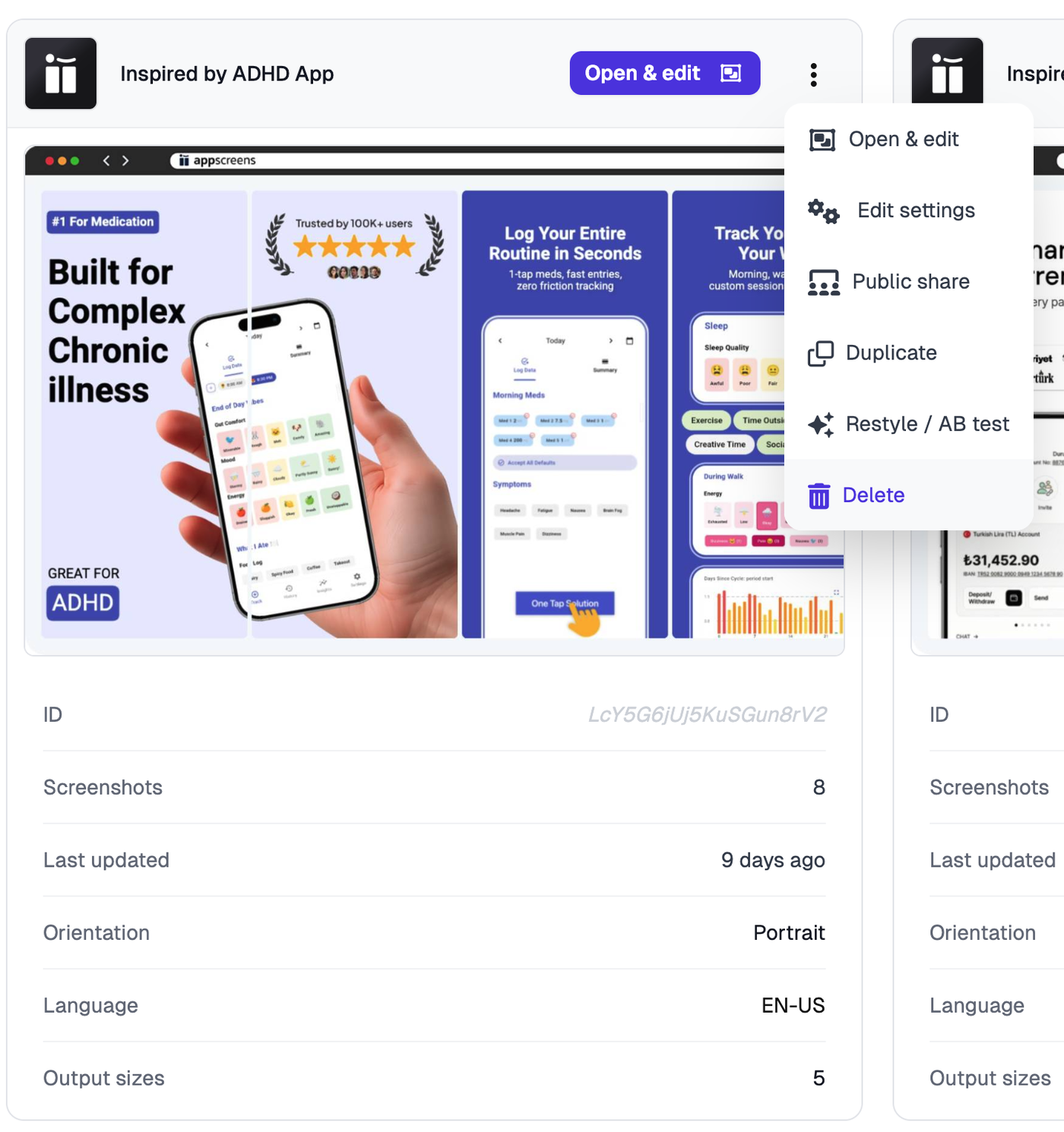
Click the more menu on that project.
Click Delete.
Important
Deleting a project cannot be undone. Make sure you only delete the project if you no longer need it.