

How to generate AI captions
Use AI to generate captions
AppScreens can generate caption ideas for your screenshots using AI.
Before you can use this feature, you need to have an app added to your project. AI captions are built from your app description and metadata.
How to generate AI captions
Open your project in the designer.
Open your Title element.
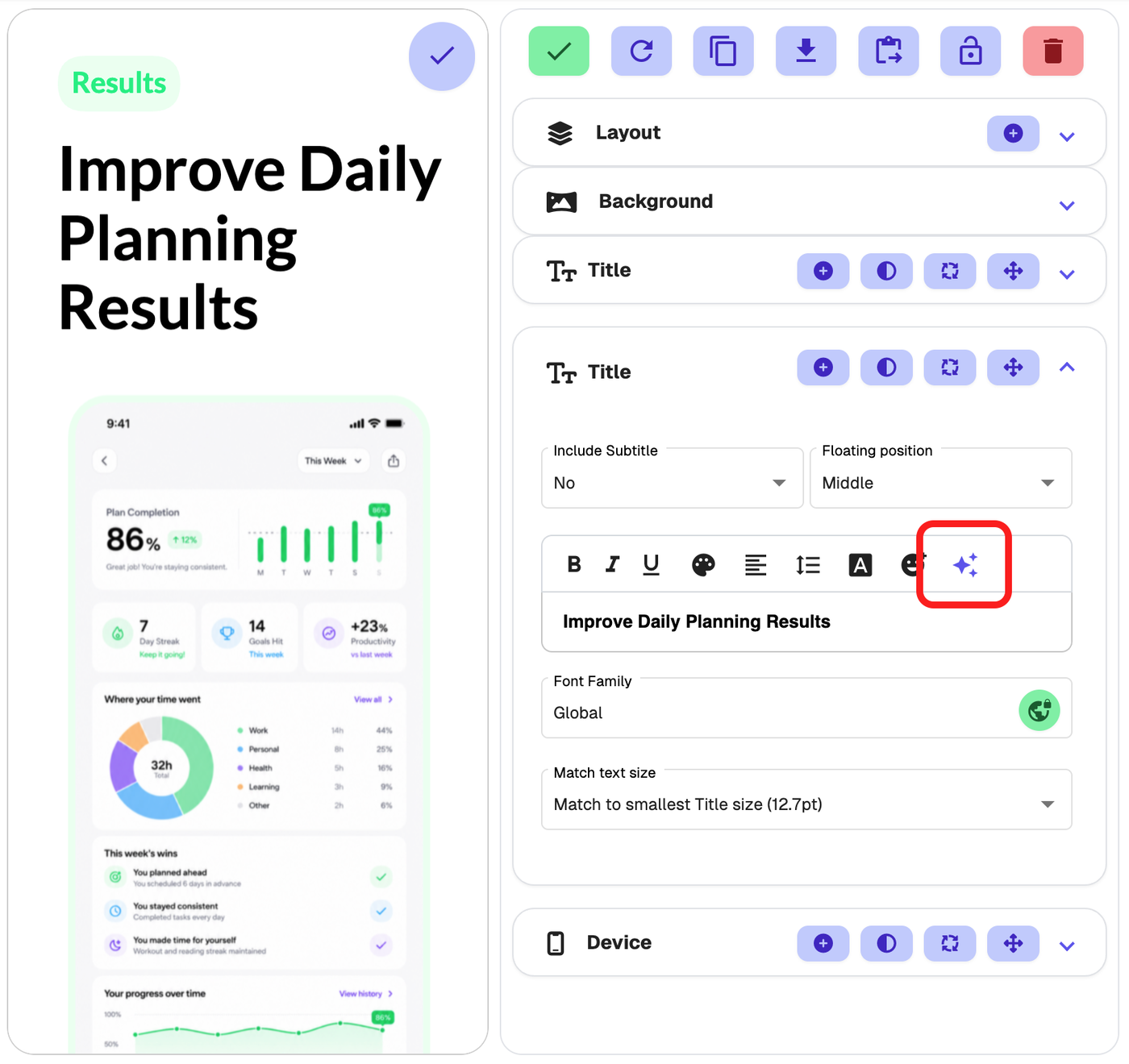
Click the AI stars icon.
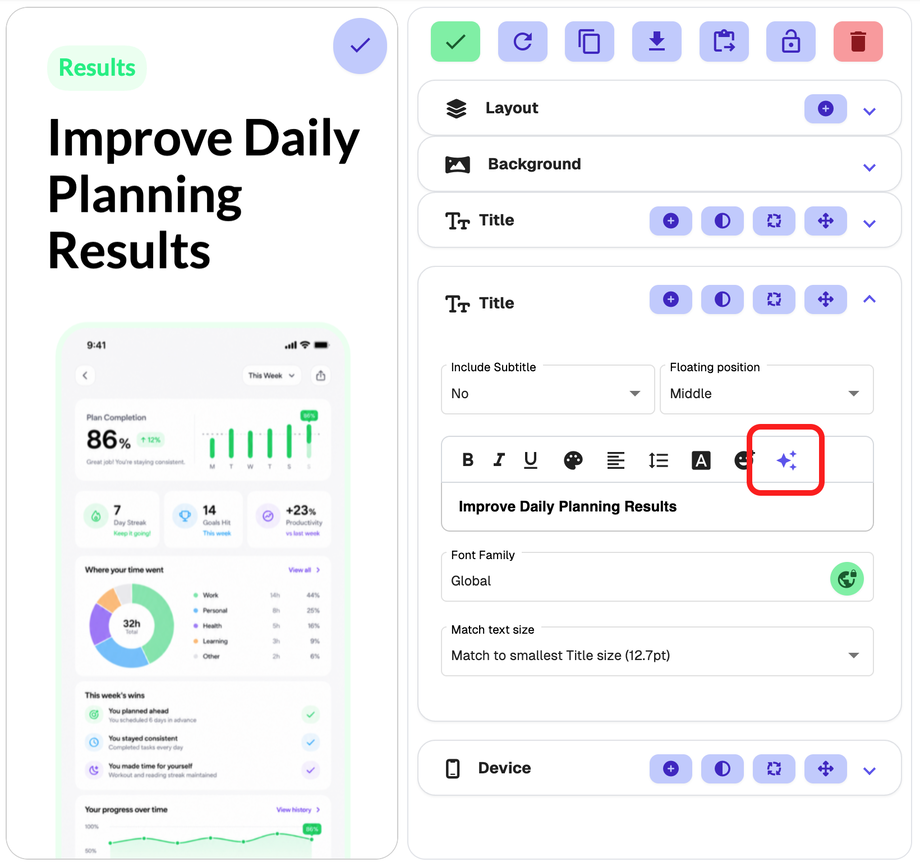
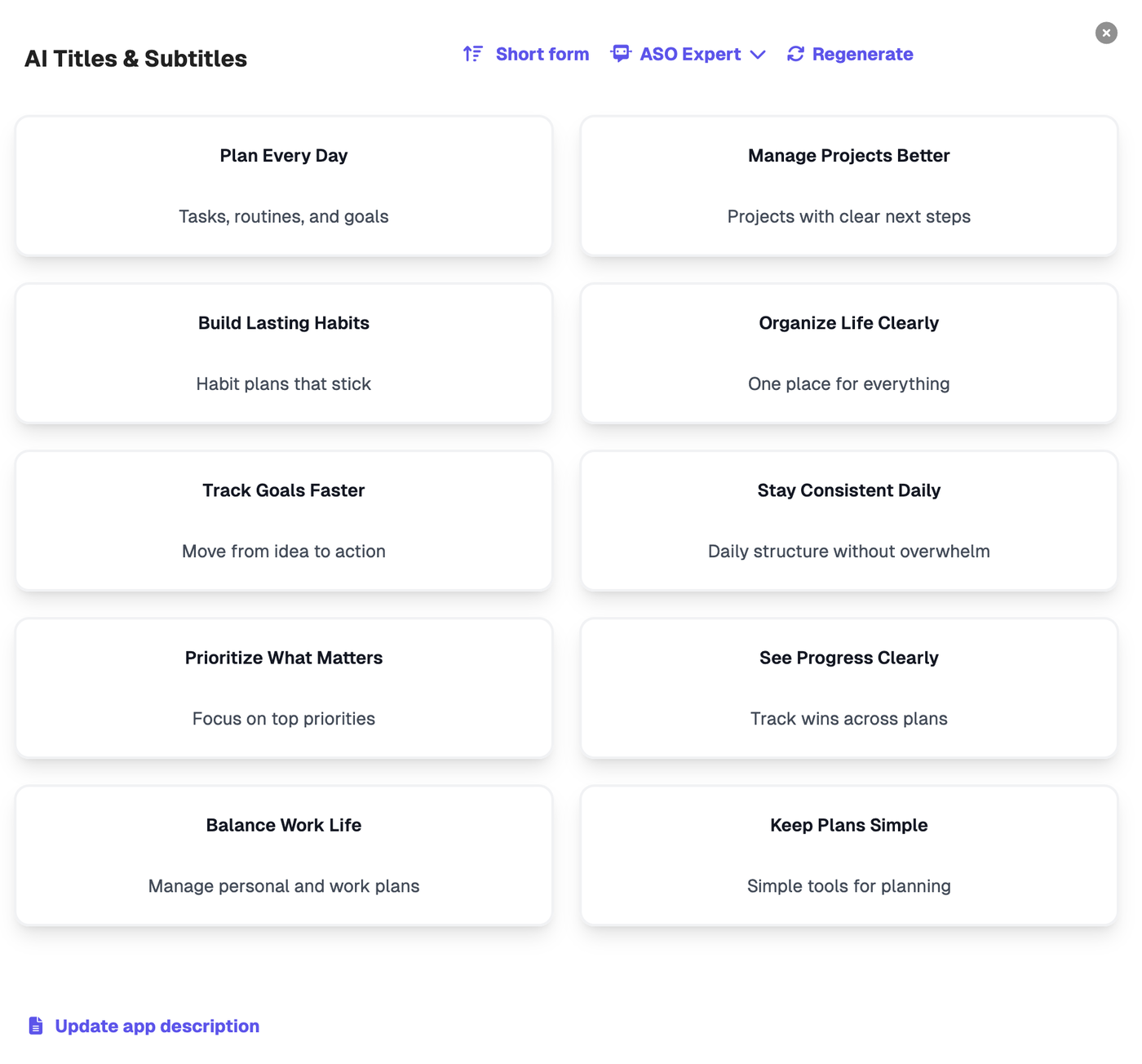
This opens the AI Titles & Subtitles selector.
Choose whether you want:
Short form
Long form
Choose an AI caption style.
Click Regenerate if you want to see more options.
Click on any suggested caption to replace your current caption.
AI caption styles
You can generate captions in different styles, including:
ASO Expert
Search Intent
Outcome
Emoji
Direct
Friendly
Inspire
Persuasive
Story
Each style gives your captions a different tone and approach.
Short form vs long form
Short form gives you more compact caption ideas
Long form gives you more detailed caption ideas
Good to know
AI captions are generated from your app description and app metadata, so make sure your app information has been added to the project first.
If you do not see useful results, try:
switching between Short form and Long form
choosing a different caption style
clicking Regenerate to get a new set of suggestions